
White Paper
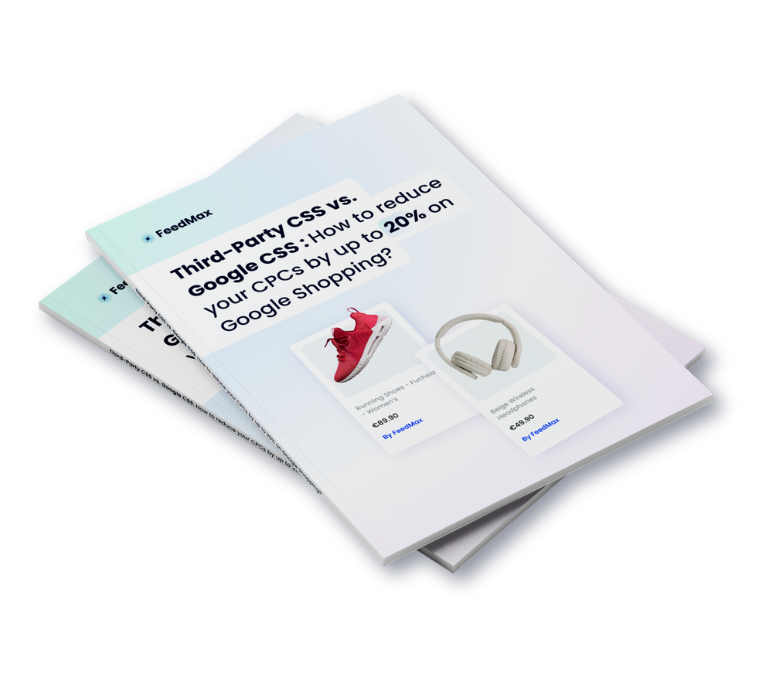
Third-Party CSS vs. Google CSS: How to Reduce Your CPCs by Up to 20% on Google Shopping?
In this white paper dedicated to CSS, learn how CSS works, compare Google CSS with third-party CSS, and how to implement a migration and measurement plan to save on your CPCs without increasing your budgets.
Get your free white paper
The information collected is necessary for FeedMax to manage the delivery of the white paper. It may be used to send you business-related communications regarding this topic or similar services offered by FeedMax, in connection with your business activities. You may opt out of these communications at any time. Learn more in our privacy policy.
By submitting this form, I agree that FeedMax may use my information to send me the white paper and communications related to its news and offers.
You’ll discover
A Guide to Reducing Your Google Shopping Costs Without Losing Visibility
With CPCs for Shopping ads on the rise and competition becoming increasingly fierce, the question is no longer just “how can I optimize my campaigns,” but how can I acquire the same traffic more efficiently.
Most advertisers focus their efforts on campaign management (bidding strategies, segmentation, PMax, audiences, creatives), which is essential. But there’s a less visible, often overlooked lever that directly influences how your bid competes: CSS.
In the EEA, the United Kingdom, and Switzerland, CSS is mandatory. By default, many advertisers stick with Google CSS. However, a third-party CSS can make your bid automatically more competitive, at the same budget, while maintaining:
- The same ad placements,
- The same campaign structure,
- The same management (in-house team or agency),
- The same tools.
This white paper has a simple goal: to help you understand the difference between third-party CSS and Google CSS, assess the benefits in your specific context, and implement your own metrics to validate real gains (CPC, volume, ROAS).
